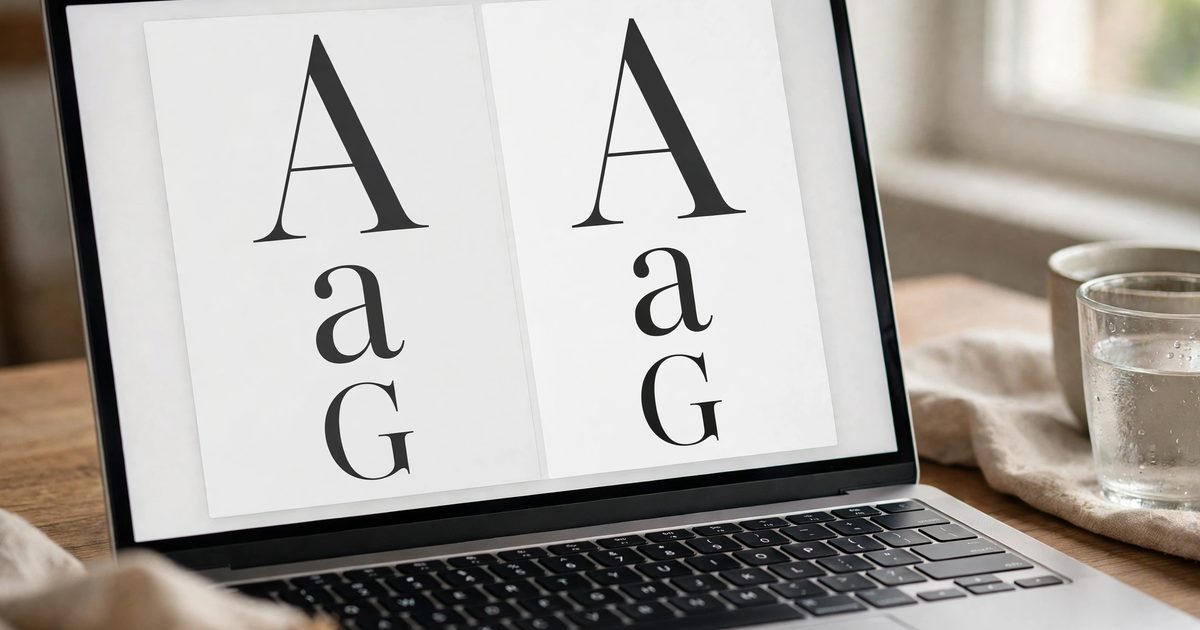
To change the font on Squarespace 7.1, open Site Styles (the paintbrush while editing a page), click Fonts, and either pick a new font pack, which swaps every font on the site at once, or click the arrow next to Fonts to change Headings, Paragraphs and Buttons separately. Google Fonts and Adobe Fonts are built in, and Squarespace now lets you upload your own font files in the same panel with no code. What the panel does not do is change the font on one page, one section or one word, and that is where the CSS below comes in. Also covered: which font choices slow a site down, because the wrong one adds half a second to every page.
How do you change the font on Squarespace site-wide?
- Edit any page and click the paintbrush to open Site Styles.
- Click Fonts. Recommended font packs appear immediately; click the arrow next to Fonts, then All Font Packs, to browse the rest, filtered by Sans-serif, Serif or Mixed.
- Click a pack to preview it live on the page.
- Click Save.
Squarespace’s fonts guide notes that every pack uses Google Fonts, which load fast and render the same on every device. Packs are the quickest way to a coherent site.
How do you change just the heading or paragraph font?
- In Site Styles, click the arrow next to Fonts.
- Click Headings, Paragraphs, Buttons or Miscellaneous.
- Click the font name to open the picker. Search by name, or click Additional Fonts at the bottom to browse Adobe Fonts (Google Fonts are in the main list, though not every one is included).
- Set style, weight, line height, letter spacing, text transform and size. Headings and Paragraphs have separate sizes for Heading 1 to 4 and Paragraph 1 to 3.
- Use the + and – at the top of the Fonts panel to scale every size on the site together.
- Save.
Paragraph text under 16 pixels on mobile is skipped; Miscellaneous is where blog dates and form labels live if those look off.
How do you use a custom font on Squarespace?
Upload it. In the Fonts panel, click a category such as Headings, open the font dropdown and click the upload icon, then drag in the file. Squarespace’s custom font guide accepts .otf, .ttf, .woff and .woff2, supports variable fonts with multiple weights, and needs a separate file for each style (regular and italic are two uploads). Three things to know:
- Licence. Desktop fonts from a foundry usually do not include web use; buy the web licence or use a Google Font.
- Format. Upload .woff2 where you have it; it is roughly 30 percent smaller than .ttf and every current browser supports it (web.dev’s font best practices cover why).
- Weights. Each weight you upload is a file the visitor downloads. Two weights of one font is a site; six is a slow site.
The old method, @font-face in Custom CSS with the file hosted under Website, Website Tools, Custom Files, still works and is still the route on many older tutorials, but the upload panel does the same thing without the code.
How do you change the font on one section or one page?
Site Styles applies site-wide, so a single section needs CSS. Find the section or block ID (right-click, Inspect, or the Squarespace ID Finder extension) and add to Website, Website Tools, Custom CSS:
/* one section */
#section-YOUR-ID h2 { font-family: 'Playfair Display', serif !important; }

/* one text block */
#block-YOUR-ID p { font-family: 'Inter', sans-serif; font-size: 18px; }

/* one page: use the body class Squarespace adds */
body#collection-YOUR-ID h1 { font-family: 'Cormorant', serif; }
The font named in the CSS must already be loaded on the site: pick it once somewhere in Site Styles (even for the Miscellaneous category) or upload it, otherwise the browser falls back to the default. For a single word, wrap it in a <span class="accent"> in a code block and style .accent the same way. More snippets like these are in the Squarespace tips and tricks post, next to the button colour and vertical line tricks.
Which fonts slow a Squarespace site down?
| Choice | Cost | Better option |
|---|---|---|
| Adobe Fonts (anything chosen under Additional Fonts) | Loads the Adobe script on every page, usually 100 to 300 ms and a flash of unstyled text | A Google Font pack, or upload the font file yourself |
| Four or more different font families | A request per family and weight; layout shifts as each arrives | Two families: one for headings, one for body |
| Every weight of a family | Each weight is a separate file | Regular and bold, plus one italic if needed |
| .ttf or .otf uploads | Two to three times the size of .woff2 | Convert to .woff2 before uploading |
| Decorative script fonts for body text | Slow to load and hard to read at small sizes | Script for one heading at most; a clean sans for body |
Squarespace’s own FAQ confirms the Adobe cost: to stop Adobe Fonts loading, use a built-in pack and avoid choosing any font that appears under Additional Fonts that is not a Google Font. If your site scores badly in PageSpeed Insights, fonts are the second thing to check after images; image sizes are the first.
How do you change fonts on Squarespace 7.0?
Open Design, then Site Styles, and scroll to the Fonts section of the template. Each template exposes different tweaks (Heading Font, Body Font, Nav Font and so on), and there are no font packs; Squarespace’s 7.0 style guide covers the panel. Custom font upload works the same way through the font dropdown. Per-section changes need the same CSS as above. If your 7.0 site uses a Brine family template, the font tweaks are grouped by area (Header, Banner, Body, Footer), so the same font may need setting in three or four places; the Style changes FAQ on Squarespace’s site lists which tweaks exist per template family.
Why did my font change not apply?
- Text was formatted in the toolbar. Text formatted as Heading 1 in the toolbar follows the Headings styles even if you changed Paragraphs; check which format the block uses.
- Only one category changed. Block titles, form labels and metadata live under Miscellaneous or Buttons.
- CSS font not loaded. Select or upload the font in Site Styles once so the file is on the site.
- Cache. Hard refresh, or open the site in a private window.
- Font removed from Google or Adobe. It happens; pick a replacement and the panel shows the fallback in use.
Fonts decide how professional a site reads, which is why they are one of the first decisions in a Squarespace website design project rather than the last.
Frequently asked questions
Edit a page, open Site Styles with the paintbrush, click Fonts, and choose a font pack to change every font at once, or click the arrow next to Fonts to change Headings, Paragraphs and Buttons separately. Save when done.
Yes. In Site Styles, Fonts, open a category such as Headings, click the font dropdown and then the upload icon. Squarespace accepts .otf, .ttf, .woff and .woff2 files, one file per style. Check the font licence covers web use.
With Custom CSS targeting the section, block or page ID, for example #section-ID h2 { font-family: ‘Playfair Display’, serif; }. The font must already be selected or uploaded in Site Styles so it loads.
They can. Adobe Fonts load an extra script, multiple families and weights add downloads, and .ttf files are larger than .woff2. Use one or two families, few weights, and .woff2 uploads or Google Fonts.
Font packs built from Google Fonts by default, with several hundred Google Fonts in the main list, Adobe Fonts under Additional Fonts, plus any font files you upload.
Open Design, Site Styles, and use the template’s font tweaks such as Heading Font and Body Font. There are no font packs on 7.0; custom uploads and per-section CSS work the same as on 7.1.