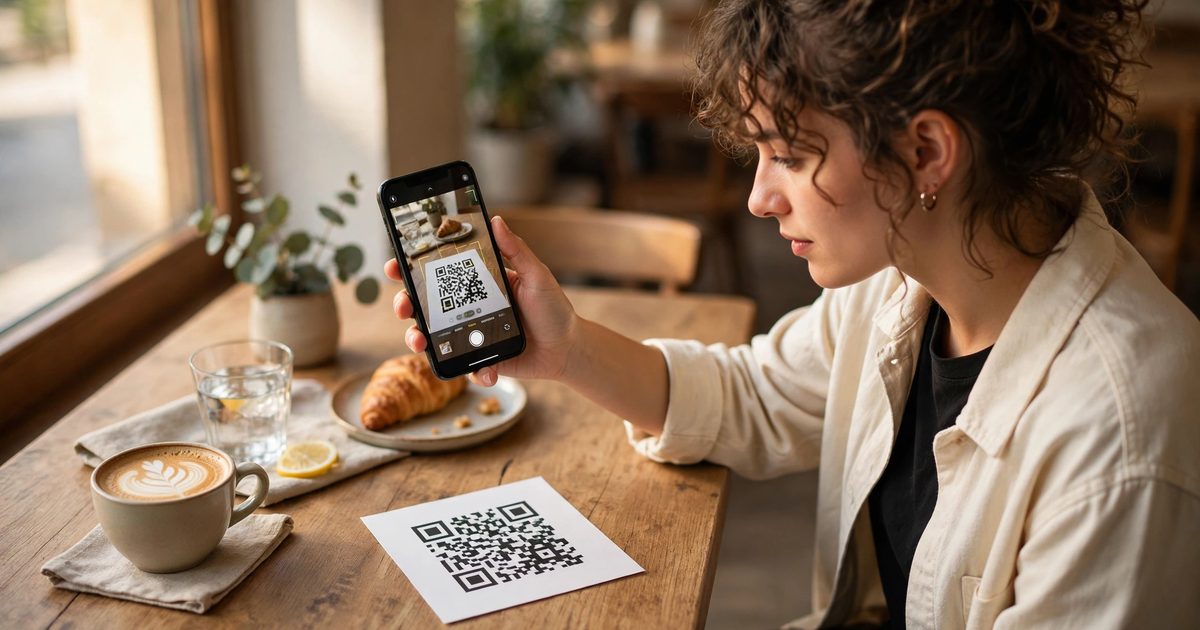
To make a Squarespace QR code, open the page’s settings in the Pages panel, switch on the QR code toggle in the General tab, and click Download QR code; you get a PNG that opens that page when scanned. That built-in generator is recent and covers any layout page. It does not cover collection pages (the blog, store, events or portfolio index), it makes a plain black-and-white code with no logo, and, the part that catches people, the code is tied to the page’s URL slug, so changing the slug afterwards breaks every printed copy. Below: the built-in steps, what to do for pages it cannot handle, how to get a branded or trackable code, and how to stop a printed QR code from ever dying.
How do you create a Squarespace QR code?
- Open the Pages panel and click the settings cog on the page you want to link to.
- In the General tab, check the URL slug and make any final change now, before generating the code.
- Switch on the QR code toggle.
- Click Download QR code. The file is a PNG, ready for a flyer, menu, business card or shop window.
- Test it with your phone camera before sending anything to print.
Squarespace’s QR code guide is explicit about the limits: layout pages only, and “QR codes will break if you update the URL slug after creating the code.” Switching the toggle off later hides the button but the code keeps working; only a slug change breaks it.
What if the page cannot use the built-in generator?
| Target | Built-in option? | Do this instead |
|---|---|---|
| Home page | Yes (it is a layout page) | Built-in |
| A blog post, product or event | No | Free generator with the item’s full URL |
| The blog or shop index | No | Free generator, or a layout page that links to it |
| A section on a page | No | Free generator with the anchor URL, /page#slug |
| A file such as a menu PDF | No | Upload the PDF, copy its link, free generator |
| Wi-Fi, vCard or phone number | No | Free generator; these are not URLs |
| Your Google review link | No | Free generator with the review short link |
For anything in the right-hand column, any reputable free generator produces a static code from a URL in seconds; the important choice is static versus dynamic, covered next. Section anchors work well for a QR code that should land on the pricing section of a long page, using the anchor slug from Squarespace anchor links.
Static or dynamic QR code?
| Static (Squarespace built-in, most free tools) | Dynamic (paid services, some free tiers) | |
|---|---|---|
| What is encoded | The URL itself | A short redirect URL that the service points wherever you set |
| Change the destination later | No; reprint | Yes, any time |
| Scan tracking | None from the code itself | Scan counts, time, rough location |
| Cost | Free, forever | Free tier, then a subscription; the code dies if you stop paying |
| Best for | Business cards, menus, signage that will not change | Campaigns, print runs you may repurpose, anything you want to measure |
A middle path that gets most of the dynamic benefit for free: encode a URL you control that redirects. Make the QR code point to yoursite.com/menu, and set up a URL Mapping in Squarespace (Settings, Developer Tools, URL Mappings) from /menu to wherever the menu currently lives. Change the mapping, and every printed code follows, with no subscription.
How do you track QR code scans?
- UTM parameters. Encode
yoursite.com/offer?utm_source=qr&utm_medium=print&utm_campaign=window. Google Analytics then reports scans as a source, and Squarespace Analytics shows the referrer. This works with a static code and costs nothing. - A dedicated landing page.
/from-printas a page only the QR code links to; its page views are your scan count in Squarespace Analytics. - A dynamic service if you need per-location counts across many codes.
UTM tags survive the URL Mapping trick too: map /menu to the real page and put the UTM on the destination.
How do you make a branded QR code with a logo?
The built-in code is plain. For a logo in the centre, brand colours or rounded modules, use a generator that supports it (most free ones do), export as SVG or a high-resolution PNG, and keep three rules: contrast high (dark code on light background, never the reverse for most scanners), the logo covering under 20 percent of the code area so error correction can compensate, and a quiet zone of clear space around it equal to at least four modules. Then test on an iPhone and an Android phone at the smallest size you will print. A QR code on a Squarespace site itself, say on a contact page for someone at a desk to scan with their phone, is an image block like any other, sized per the image size guide.
Why did my QR code stop working?
| Cause | Fix |
|---|---|
| Page slug changed after the code was made | Change the slug back, or add a URL Mapping from the old slug to the new one; both revive printed codes |
| Page disabled, deleted or moved to Not Linked and disabled | Re-enable it, or map the old URL to a live page |
| Site set to private or password protected | Scans reach the lock screen; set Site Availability to Public |
| Domain changed | Map old to new at the domain level; codes with the old domain need the old domain forwarding |
| Printed too small or too low contrast | Reprint at 2 cm or larger, dark on light |
| Dynamic code from a lapsed subscription | Nothing revives it; reprint with a static code or your own redirect |
The slug rule is the one that costs money, because it is discovered after the print run. The safe habit on any Squarespace site is to treat a URL that appears on print as permanent, and to change what it points to with a redirect rather than changing the URL, which is the same principle behind changing a page URL without breaking links.
Frequently asked questions
Yes. In the Pages panel, open a page’s settings, switch on the QR code toggle in the General tab and click Download QR code. It works for layout pages only, not blog posts, products or collection index pages.
Copy the item’s full URL and paste it into any free QR generator. The built-in generator does not cover collection items.
Most often the page’s URL slug was changed after the code was created. Change the slug back or add a URL Mapping from the old URL to the new one, and the printed code works again.
Add UTM parameters to the URL you encode, or point the code at a dedicated landing page whose views count as scans. Dynamic QR services add per-code scan analytics for a subscription.
Not in the built-in generator. Use a third-party generator that supports logos and colours, keep contrast high and the logo small, and test the code on two phones before printing.
Static for anything permanent, since it is free and never expires. Dynamic when you need to change the destination or measure scans; or use a static code pointing at a URL on your own site that you redirect with URL Mappings.