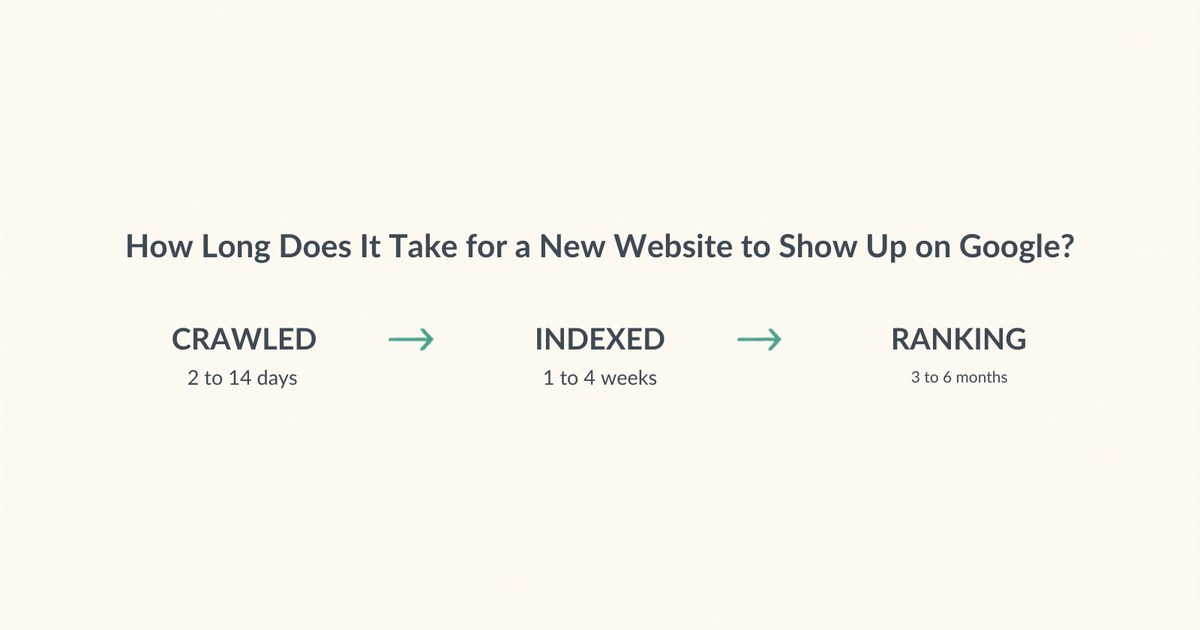
Google usually crawls a new site within 2 to 14 days, indexes it within 1 to 4 weeks, and starts ranking it for anything competitive somewhere between 3 and 6 months later. Those are three separate events, and almost every answer you’ll read online blurs them into one number. That’s why the estimates you’ve seen range from “three days” to “eight weeks” without agreeing on anything.
I’ve been watching this happen in slow motion on my own site for the past few weeks, so rather than quote you a range I half-remember, I’ll show you the actual numbers from my Search Console.
How Long Before a New Website Appears on Google?
Days to be crawled, weeks to be indexed, months to rank for anything worth having.
| Stage | Typical timing | What you can see |
|---|---|---|
| Discovered | 1 to 7 days | Nothing yet |
| Crawled | 2 to 14 days | Shows in Search Console |
| Indexed | 1 to 4 weeks | Appears for a site: search |
| Ranking for your brand name | 2 to 6 weeks | First real impressions |
| Ranking for competitive terms | 3 to 6 months | Clicks, finally |
A brand new domain with no links pointing at it sits at the slow end of every row. An established site publishing a new page on an existing domain can be indexed the same day. Those two situations get lumped together constantly, which is where most of the confusion comes from. And if you haven’t launched yet, the build has its own separate clock, which I broke down in how long a Squarespace website takes to build.
What Is the Difference Between Crawled, Indexed and Ranking?
Crawled means a bot read your page, indexed means Google kept a copy, and ranking means it actually shows up when someone searches. You can sit at any one of those stages indefinitely.
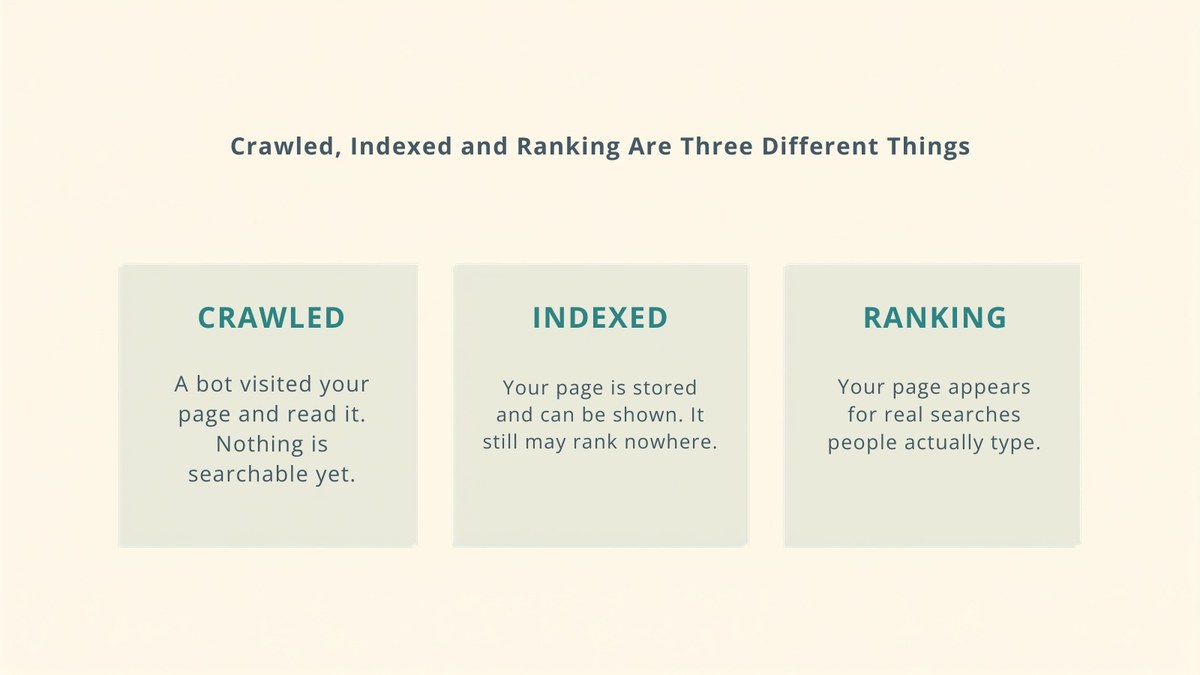
This distinction isn’t pedantry, it’s the difference between waiting patiently and fixing a real problem. If you’re not crawled, that’s usually technical. If you’re crawled but not indexed, that’s usually a quality or duplication judgement. If you’re indexed but not ranking, nothing is broken at all and you simply need more authority and more time.
Why Is My New Website Not Showing Up on Google?
Nine times out of ten it’s one of four things, and only one of them is worth panicking about.
- It hasn’t been long enough. Two weeks feels like forever and is completely normal.
- You’re searching wrong. Searching your business name proves nothing. Search
site:yourdomain.cominstead, which asks Google directly what it has indexed. - The site is blocking crawlers. A stray noindex tag left over from development, or a robots.txt rule that’s too broad. This is the one worth checking today.
- It’s indexed and you just aren’t ranking. The most common case by far, and the least understood.
That third one catches people who launched with a staging site. WordPress has a “Discourage search engines” checkbox that developers tick during a build, and if nobody unticks it on launch day, you can wait six months and nothing will ever happen.
What Does “Crawled – Currently Not Indexed” Mean?
It means Google visited your page, read it, and decided not to store it. No error, no penalty, just a judgement that the page wasn’t worth keeping yet.
This is the status nobody explains properly, and it’s where most new small sites actually get stuck. Here’s my own Search Console, snapshot dated 7 August 2026, for a site with a domain authority in the single digits:
| Status | Pages | Deliberate? |
|---|---|---|
| Indexed | 61 | Yes |
| Excluded by noindex tag | 32 | Yes, tag and author archives |
| Page with redirect | 30 | Yes, old URLs I moved |
| Crawled, currently not indexed | 25 | No |
| Not found (404) | 8 | Mostly junk URLs |
| Redirect error | 3 | No, fixed since |
| Discovered, currently not indexed | 3 | No, still queued |
| Soft 404 | 1 | No |
| Blocked by robots.txt | 1 | Yes |
Search Console reports that as 61 indexed against 103 not indexed, which looks alarming until you read the breakdown. Sixty-two of those 103 are deliberate: noindexed archive pages and redirects from URLs I moved on purpose. The number that actually matters is the 25 sitting in “crawled, currently not indexed” plus the 3 still queued.
So if your own Search Console shows a scary “not indexed” count, open the breakdown before you worry. Most of it is usually meant to be there. It’s a genuinely useful habit, and the same one applies to the rest of your on-page SEO checks.
How Long Does It Take Google to Crawl a New Website?
A few days to a few weeks, and that’s Google’s own number rather than mine.
Google’s documentation on asking it to recrawl your URLs says plainly that “crawling can take anywhere from a few days to a few weeks.” The same page adds something more important that almost nobody quotes: “requesting a crawl does not guarantee that inclusion in search results will happen instantly or even at all.”
Read that second sentence again if you’ve been hammering the Request Indexing button. It does not force anything. It puts you in a queue, and Google still decides. I’ve requested indexing on pages that appeared in two days and on pages that are still sitting in that “crawled, not indexed” bucket weeks later.
What Actually Speeds Up Indexing?
Four things genuinely help, and none of them are tricks.
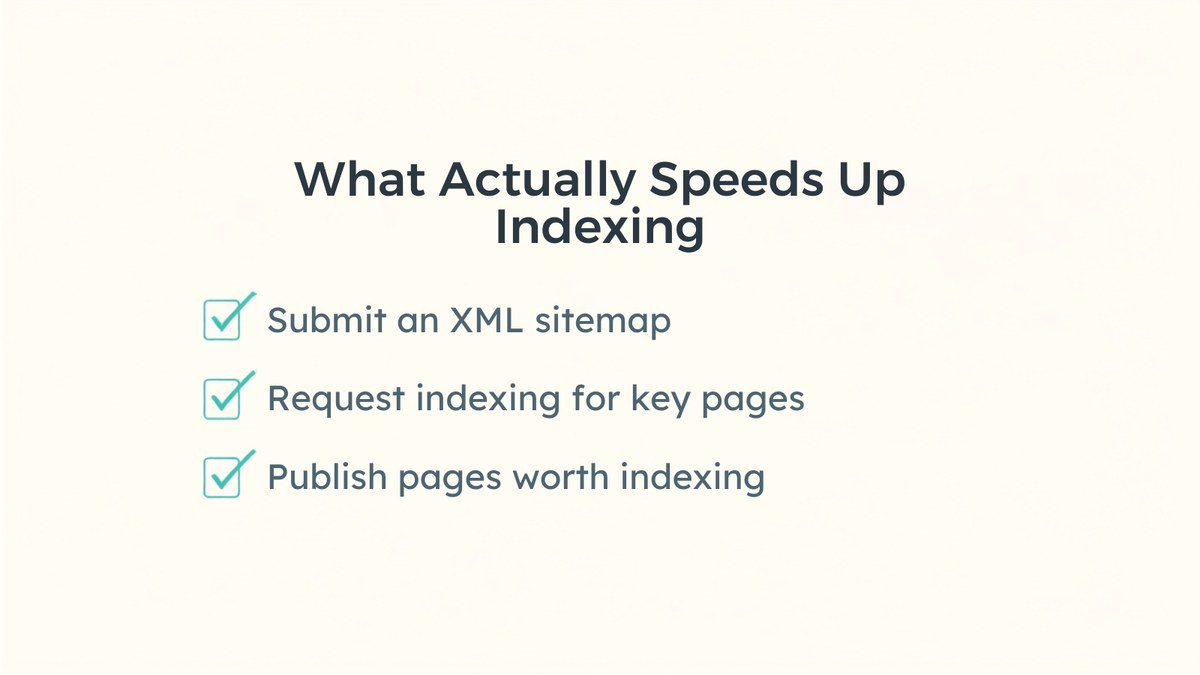
- Submit an XML sitemap in Search Console. This is how Google finds pages it would otherwise take weeks to stumble across.
- Request indexing for your genuinely important pages. Not all of them, just the ones that matter.
- Link new pages from pages that already exist. An orphaned page with nothing pointing at it is the slowest thing to get indexed, and internal links are the single most underrated fix here.
- Publish pages worth indexing. Thin pages, near-duplicate pages and empty category archives are exactly what “crawled, not indexed” is for.
What doesn’t help: submitting your URL to a hundred directories, paying for an indexing service, or republishing the same post repeatedly hoping something changes. I’ve watched people burn weeks on all three.
What If You’re Indexed but Getting No Traffic?
Then nothing is broken and you’ve simply reached the slow part.
Being indexed only means you’re eligible to appear. Whether you actually appear depends on how much authority your domain has against everyone else competing for the same words, and a new site has approximately none. This is the stage where people conclude SEO doesn’t work and give up, usually somewhere around month two.
What you’ll see first is impressions with almost no clicks, because you’re ranking on page three or four where nobody scrolls. That’s not failure, it’s the normal shape of the curve. The fix is boring and it’s always the same two things: earn a few links from real sites, and target questions specific enough that the competition is thin. If you’re a local business, the fastest version of that is local SEO, where the pool of competitors is small enough to actually win.
Frequently Asked Questions
Usually 1 to 4 weeks to be indexed, and 2 to 6 weeks before you see any impressions at all. A brand new domain with no links sits at the slow end. A new page on an established site can be indexed the same day, which is why the estimates you read vary so wildly.
Most often it simply hasn't been long enough, or you're searching your business name instead of running a site: search. The one genuine problem worth checking today is a leftover noindex tag from development. In WordPress that's the Discourage search engines setting, and if it's still ticked after launch, nothing will ever get indexed.
Google read your page and chose not to store it. It isn't an error or a penalty, it's a judgement that the page wasn't worth keeping yet. It's the most common place for new small sites to get stuck. On my own site 25 pages were sitting in exactly that state, against 61 indexed.
It helps but it guarantees nothing. Google's own documentation states that requesting a crawl does not guarantee that inclusion in search results will happen instantly or even at all. It adds you to a queue rather than forcing anything, so use it on pages that matter and then leave it alone.
Search site:yourdomain.com in Google. Whatever comes back is what Google has indexed, and an empty result means nothing is. For detail on individual pages, use the URL Inspection tool in Search Console, which tells you whether a specific page is indexed and when it was last crawled.
For competitive terms, 6 to 12 months on a new domain, and often longer. For narrow, specific questions where few sites compete, you can appear within weeks of being indexed. The gap between those two outcomes is decided by which keywords you target, far more than by anything technical.
The Short Version
Crawled in days, indexed in weeks, ranking in months. Check the breakdown of your “not indexed” count before you worry about it, because most of it is usually deliberate. And if you’re indexed with impressions but no clicks, nothing is broken, you’ve just arrived at the part that takes patience.
If your site has been live a while and still isn’t showing up, that’s usually diagnosable in an afternoon rather than a mystery. Have a look at how I work with clients, or send me the URL and I’ll tell you honestly which of the four causes above you’re dealing with.