Most people who come to me for wordpress web design have already tried something else first. They bought a theme that looked incredible in the demo, then watched it fall apart the moment they swapped in their own photos and their own words. Or a cousin built them something back in 2019 and stopped replying to messages somewhere around 2021. I hear both stories almost every month.
Here is what nobody mentions when you are starting out. WordPress itself is not the hard part. It runs something like 43% of the entire web, the software is free, and installing it takes about four minutes on decent hosting. The difference between a site that quietly brings in enquiries and one that just sits there looking pretty is everything that happens around the software.
Let me walk you through how I actually approach it.
Start With Structure, Not Styling
Almost every client wants to talk about colours in the first call. I get it. Colours are fun, and they feel like progress. But if we pick a palette before we know what the site needs to do, we are decorating a house that has no rooms yet.
So I start somewhere less glamorous: what does a visitor need to understand, and in what order? A business coach in Toronto came to me last year with a site that had eleven pages. Eleven. Her services were split across four of them, her story was buried on page nine, and there was no clear way to book a call. We rebuilt it as five pages. Enquiries roughly doubled in the first quarter, and the design was arguably simpler than what she had before.
Map the journey before you touch a single font
I sketch this out on paper first, which always surprises people. Where does someone land? What question is in their head at that moment? What do they need to see next to trust you? Answer those three questions and the sitemap almost writes itself.
The homepage usually needs to do four things: say what you do, say who you do it for, show proof that you are good at it, and make the next step obvious. Everything else is supporting cast.
Choosing Your Foundation: Theme, Builder, or Custom
This is where a lot of budget gets wasted, so it is worth being clear about the options.
A premium theme costs somewhere between $50 and $100 and gets you moving fast. The catch is that you are working inside somebody else’s decisions. Themes are built to look good with demo content, and demo content is always perfectly sized, perfectly written, and perfectly photographed. Yours will not be. That gap is where most DIY sites start to look slightly off without the owner ever knowing why.
Page builders like Elementor give you far more control, and they are what I reach for on most client projects. You get proper visual editing without touching code, which matters enormously for the handover. The tradeoff is weight. A builder adds its own CSS and JavaScript to every page, so you have to be deliberate about performance in a way you would not with a lean custom build.
Custom development sits at the top end. It is the right call when you have unusual functionality, a membership area, or a genuinely custom booking flow. For a service business with five pages and a contact form, it is usually money better spent elsewhere.
The plugin trap
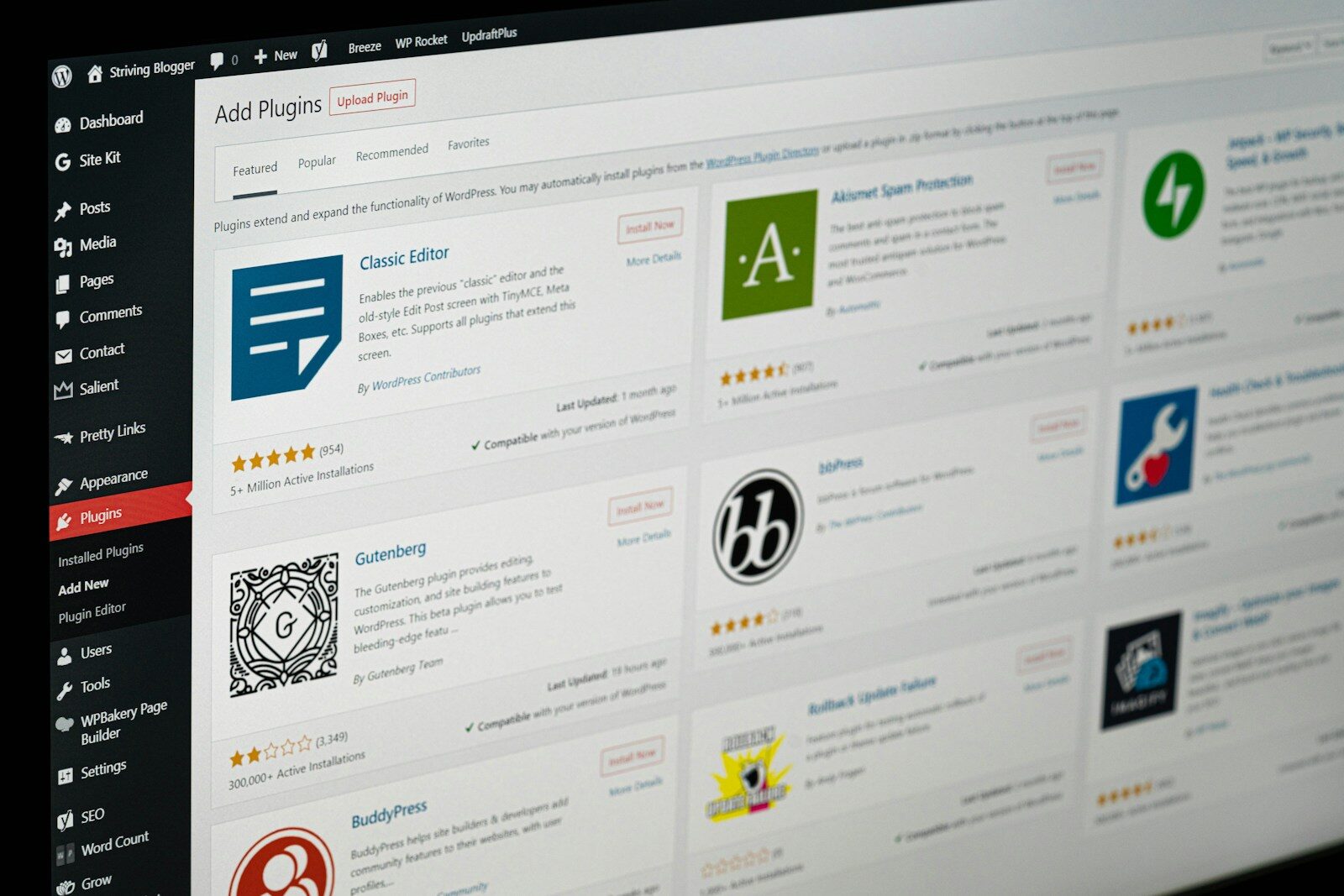
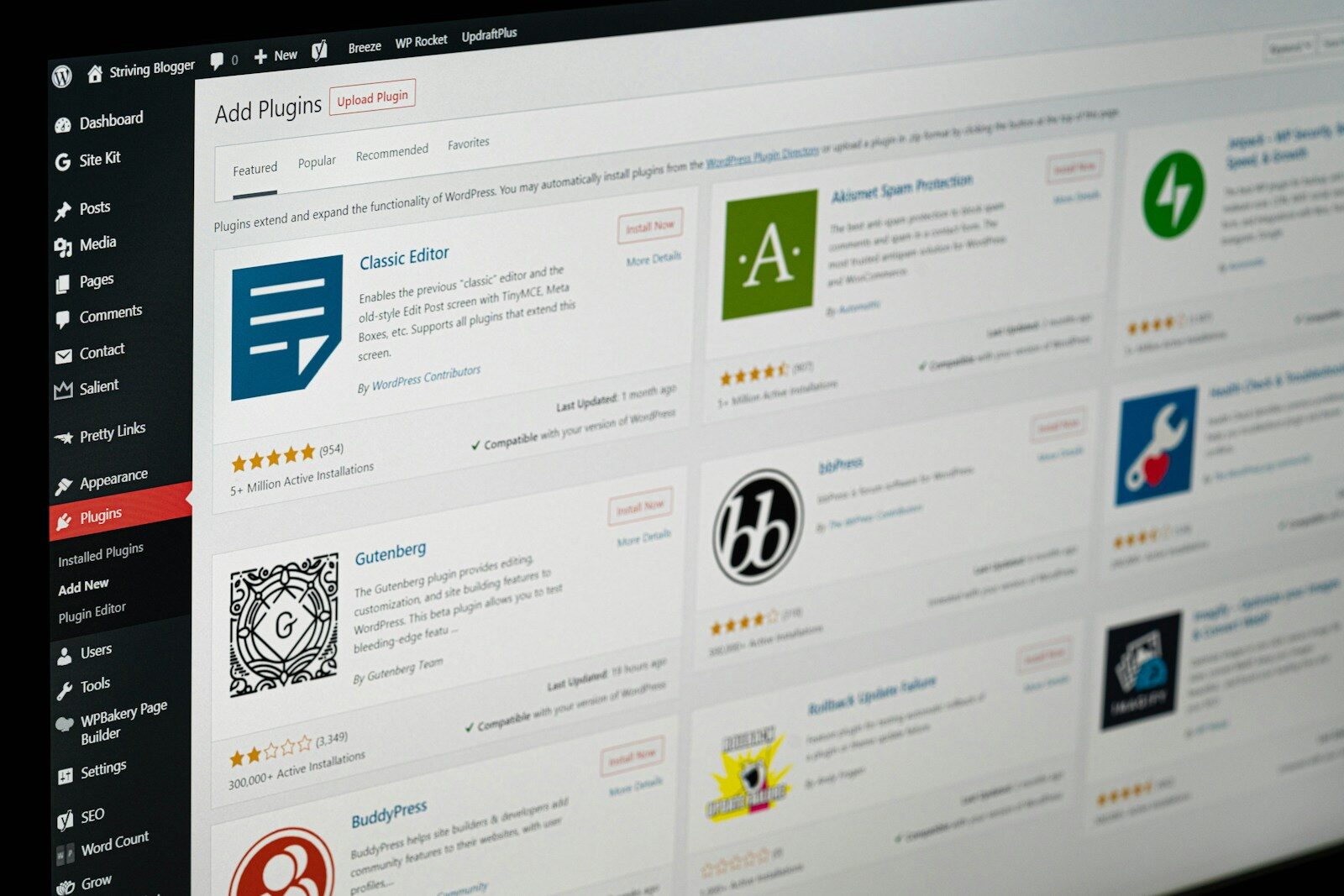
WordPress has around 60,000 free plugins in the official directory, which sounds like a gift and quietly becomes a liability. Every plugin is code somebody else wrote, running on your site, needing updates, occasionally conflicting with another plugin at 2am on a Saturday.
My rule is simple. If a plugin is not solving a problem I can name out loud, it comes off. Most business sites need fewer than ten: security, caching, SEO, forms, backups, and maybe two or three specific to what the business does. I have opened client sites carrying thirty-eight active plugins, four of which did the same job.
Speed Is a Design Decision, Not a Technical Afterthought
People treat speed as something you fix at the end, like tidying up before guests arrive. It does not work that way. The choices that make a site slow are design choices, made early.
Uploading a 4MB hero photo straight off a camera is a design choice. Loading five custom font weights because you liked how they looked in Figma is a design choice. Adding an autoplay video background is very much a design choice. None of these get solved by installing a caching plugin at the end.
What I do instead: compress every image before it goes near the media library, limit myself to two font weights unless there is a real reason for a third, and test on an actual phone on mobile data rather than office wifi. Run your site through PageSpeed Insights and you will get a clear picture of what is dragging. Aim for a load under three seconds. Past that, people start leaving before they have seen anything you made.
What Good WordPress Web Design Looks Like on Mobile
Something like two thirds of the traffic on my clients’ sites arrives on a phone, and yet a lot of sites are still clearly designed on a large monitor and squashed down afterwards. You can spot them instantly. Tiny tap targets. Text that needs pinching. A menu that hides the thing you actually came for.
I design the mobile layout properly rather than treating it as a leftover. That means checking that buttons are large enough to hit with a thumb, that forms do not demand ten fields, and that the most important line of text on the homepage is visible without scrolling. If your phone number is the main way people reach you, it should be tappable, not typed out as plain text.
One quick test I recommend to every client: hand your phone to a friend who knows nothing about your business, ask them to find your pricing or book a call, and just watch. Say nothing. Whatever they hesitate on is your next fix.
Handing It Over: Can You Actually Run This Thing?
A website you are scared to touch is a website that goes stale. I have seen beautiful builds where the client could not add a blog post without breaking the layout, so they simply stopped adding blog posts.
Good wordpress web design accounts for the person who has to live with the site afterwards. I set up reusable sections so adding a new service page does not mean rebuilding from scratch. I keep the editing experience close to normal WordPress where possible. And I record short screen videos covering the handful of things a client actually does: publish a post, swap a photo, update the testimonials.
You should also know where things live. Your domain registrar, your hosting login, your WordPress admin, and your backups. All four should be in accounts registered to your email address, not your designer’s. I set every client up this way from day one, and I would genuinely encourage you to check yours right now if you are not sure.
What This Usually Costs and How Long It Takes
For a professional small business site on WordPress, expect roughly $2,000 to $6,000 depending on page count, functionality, and whether copywriting is included. Timeline is normally four to eight weeks from kickoff.
The slowest part is almost never the design. It is content. Every project that ran long in my experience ran long because photos and copy took weeks to arrive, not because anyone was stuck on a layout. If you want your project to move quickly, have your text and images ready before the first design call. That single thing will save you more time than anything I can do at my end.
Ready to Start Your WordPress Web Design Project?
I build WordPress sites for small businesses, coaches, and service providers across North America and the UK, and I work with people who want something clean, fast, and genuinely theirs to run. You can see recent projects and get a feel for how I work over at theadil.me.
When you are ready to talk it through, head over to theadil.me/contact and send me a few lines about your business. I reply within a business day, and I always start with a relaxed discovery call before anything is quoted or committed. No pressure, no jargon, just a proper conversation about what you need.
Frequently Asked Questions
Is WordPress still a good choice for a business website?
Yes, and it is still what I recommend for most service businesses. You own your site outright, you can move hosts whenever you like, and the plugin ecosystem covers almost anything you will need later. The main alternatives lock you into one company’s platform, which is fine until you want to leave.
Do I need to know how to code to run a WordPress site?
Not at all. Publishing posts, swapping images, and editing text are all point and click. Coding only enters the picture for custom functionality, and that is what your designer or developer handles.
How much does WordPress web design cost?
Typically $2,000 to $6,000 for a professional small business site. A single page site can be less, and e-commerce or membership functionality pushes it higher. The software itself is free, so what you are paying for is strategy, design, build, and testing.
Should I use Elementor or a custom-coded theme?
For most small businesses, a page builder like Elementor is the practical choice because you can edit the site yourself afterwards without calling anyone. Custom builds make sense when you have specific functionality or performance requirements that a builder cannot meet cleanly.
How many plugins is too many?
There is no hard number, but if you cannot explain what each one does, you have too many. Most business sites run comfortably on eight to twelve. What matters more than the count is that each plugin is actively maintained and updated.
How often does a WordPress site need maintenance?
Plan on monthly. Core updates, plugin updates, a backup check, and a quick look at site speed. It takes under an hour if you keep on top of it, and skipping it for a year is how sites get hacked or quietly break.
Can I move my existing site to WordPress?
Usually yes. Content can be migrated from most platforms, though the design normally gets rebuilt rather than transferred. If you are moving because your current setup frustrates you, a rebuild is a good opportunity to fix the structure rather than carry the same problems across.